Product
Build pages
Showing a build usually means choosing between a stale forum thread and screenshots of a private app, with the plate, the mileage, and the receipts along for the ride.
How BuildBay handles it
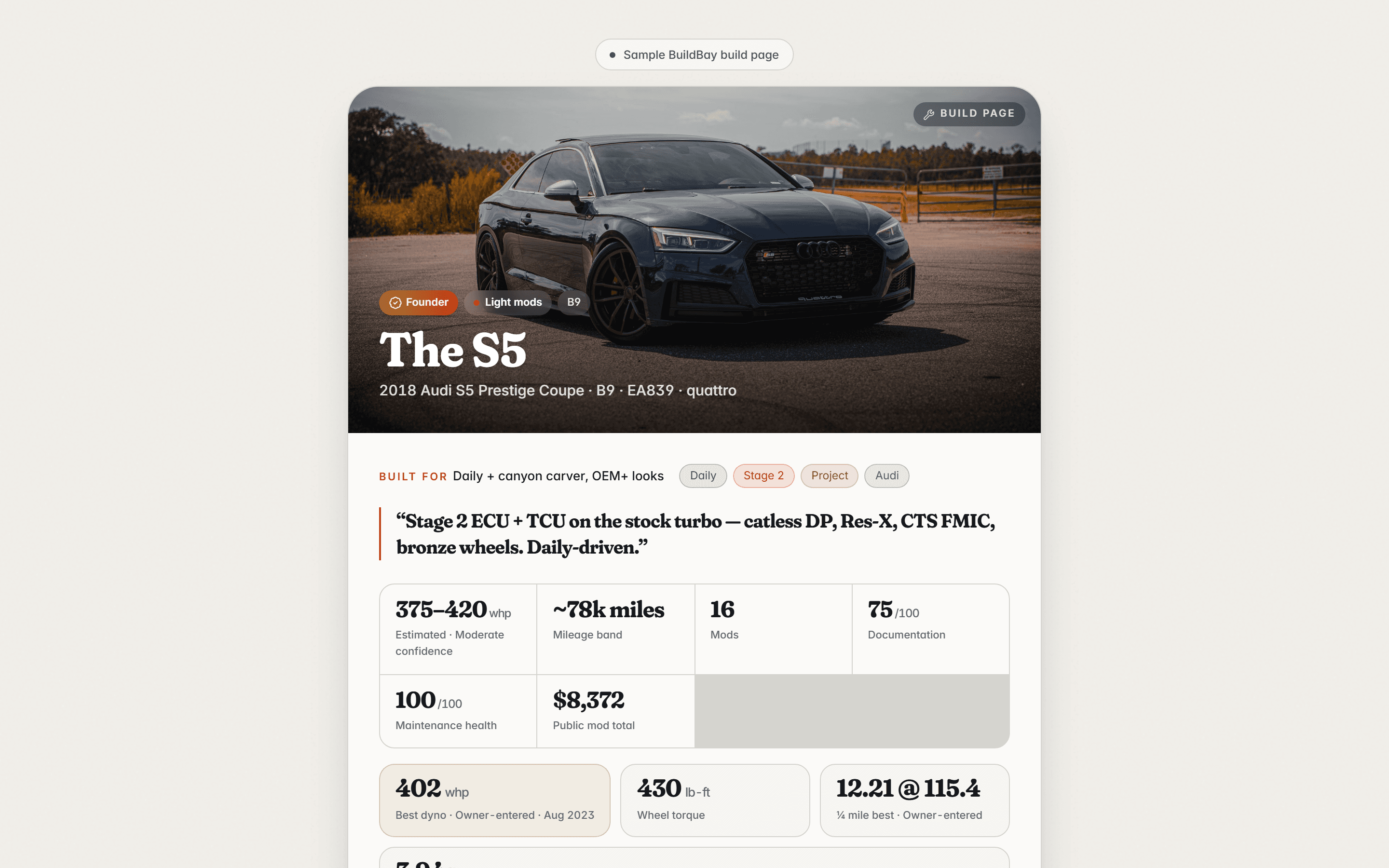
Every BuildBay vehicle can publish a build page, and none does by default. Publishing is per vehicle, to a tokened link, and every field that appears is whitelisted individually.
Some things never appear at all: VIN, plate, receipts, and private notes stay off the page, and mileage shows only as a band, never the exact reading.
In detail
- Private by default
- A vehicle has no public page until you choose to publish one. Publishing is a per-vehicle decision, not an account setting.
- A tokened link
- Publishing creates a tokened link for that vehicle. Sharing the page means sharing the link.
- Field-by-field whitelist
- Nothing is published wholesale. Each field that appears on the page is whitelisted on its own.
- What never appears
- VIN, plate, receipts, and private notes are never published. Mileage appears only as a band, not an exact reading.
Who it is for
- Owners who want to show the build without exposing the paperwork.
- People sharing a build in a forum signature or a group chat.
- Sellers pointing a buyer at a documented history.
Related features
In the library
Keep this with the vehicle
BuildBay is in early access. Join the waitlist and add your first vehicle when the door opens.